 by goodriver,
With the release of the much awaited DriveMark version 2.0 last week, we saw thousands of new users within such a short period of time.
That many users exposed us to numerous compatibility issues, mostly due to a plethora of Android versions out there in the market.
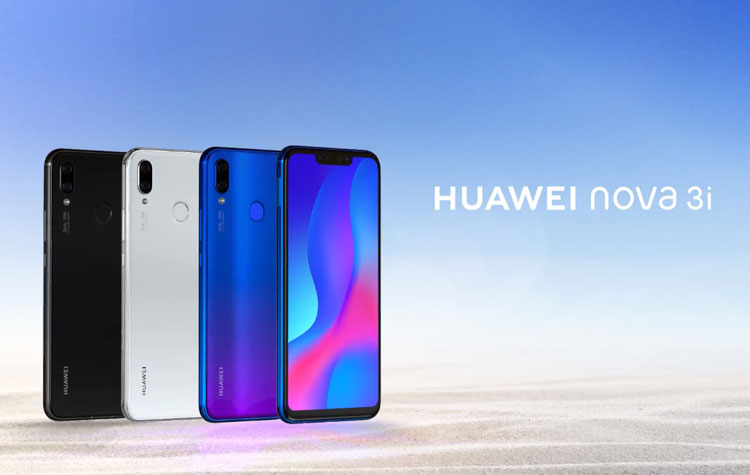
This article article is meant for Huawei smartphone users who are facing problems getting automatic trip tracking running whenever you start driving.
If you are currently using Huawei smartphones, Team DriveMark recommends you to follow these steps to improve reliability of tracking:
Huawei (using EMUI 8 skin)

1) Go to Settings > Battery
2) Go to App launch

3) Select DriveMark and click on the Blue toggle
4) A popup will appear to allow you to Manage Manually. Activate all items, and press OK.
5) You are now done.
By following the steps above, Huawei’s peculiar battery optimisation feature will exclude DriveMark from being ‘killed’ by the Android system. This feature prevented Huawei users from using DriveMark because the app is prematurely killed by Huawei.
If you are still facing problems to get the automatic tracking running, please use the Feedback option in DriveMark app to send us an email.
Drive Safe!

Get rewarded for driving safe
Download Now!


Share This Article


About the Author

Similar Articles

Car Accident Detection and Emergency Alert using DriveMark mobile app
When DriveMark was launched back in 2017, it carried our aspiration to make the roads safer for everyone. From then on, we introduced several features to encourage drivers to be...

Prudent Car Drivers May Be Rewarded With Car Insurance Premium Discounts
(Image: The Coverage) Written by Olivia Song for RinggitPlus, 8th February 2019 The Transport Ministry plans to start rewarding discounts on car insurance premiums to motorists who do not have summonses...
Katsana signs MoU with Allianz, Etiqa and Axiata to develop usage-based motor insurance, DriveMark app
The motor insurance sector entered into the new era of phased liberalisation in July, with full detariffication scheduled to take place in 2019. It’s now a free market, and vehicle...
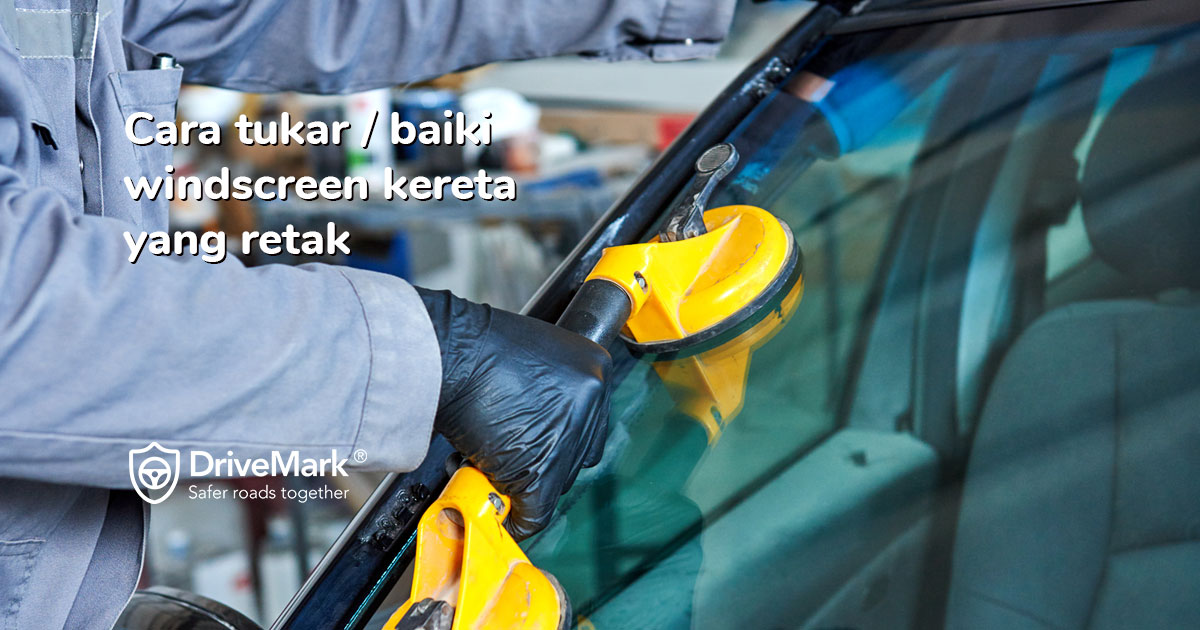
Cara Baiki / Tukar Windscreen Kereta Yang Retak 🤔
Di Malaysia, pembaikan/pertukaran windscreen kereta adalah mudah untuk dituntut daripada pihak insurans anda 😉. Anda tidak perlu risau dengan proses yang rumit untuk baiki/tukar windscreen yang retak/pecah. Sila ikut cara-cara...

Pemenang DriveMark Challenge 1 semasa JomLaunch 2017!
JomLaunch merupakan platform untuk ahli komuniti JomWeb melancarkan sebarang produk yang melibatkan IT. Ianya bertujuan bagi membantu projek-projek komuniti, sumber terbuka, projek persendirian mahupun komersil dapat diketengahkan. [...]Read...
How to replace car windscreen & claim windscreen insurance 🤓
In Malaysia, claiming & replacing damaged car windscreen/windshield from your car insurer is easy-peasy 😉. You do not have to worry about complicated process to replace the cracked/broken windscreen. Simply...