 by goodriver,
With the release of the much awaited DriveMark version 2.0 last week, we saw thousands of new users within such a short period of time.
That many users exposed us to numerous compatibility issues, mostly due to a plethora of Android versions out there in the market.
This article article is meant for Huawei smartphone users who are facing problems getting automatic trip tracking running whenever you start driving.
If you are currently using Huawei smartphones, Team DriveMark recommends you to follow these steps to improve reliability of tracking:
Huawei (using EMUI 8 skin)

1) Go to Settings > Battery
2) Go to App launch

3) Select DriveMark and click on the Blue toggle
4) A popup will appear to allow you to Manage Manually. Activate all items, and press OK.
5) You are now done.
By following the steps above, Huawei’s peculiar battery optimisation feature will exclude DriveMark from being ‘killed’ by the Android system. This feature prevented Huawei users from using DriveMark because the app is prematurely killed by Huawei.
If you are still facing problems to get the automatic tracking running, please use the Feedback option in DriveMark app to send us an email.
Drive Safe!

Get rewarded for driving safe
Download Now!


Share This Article


About the Author

Similar Articles
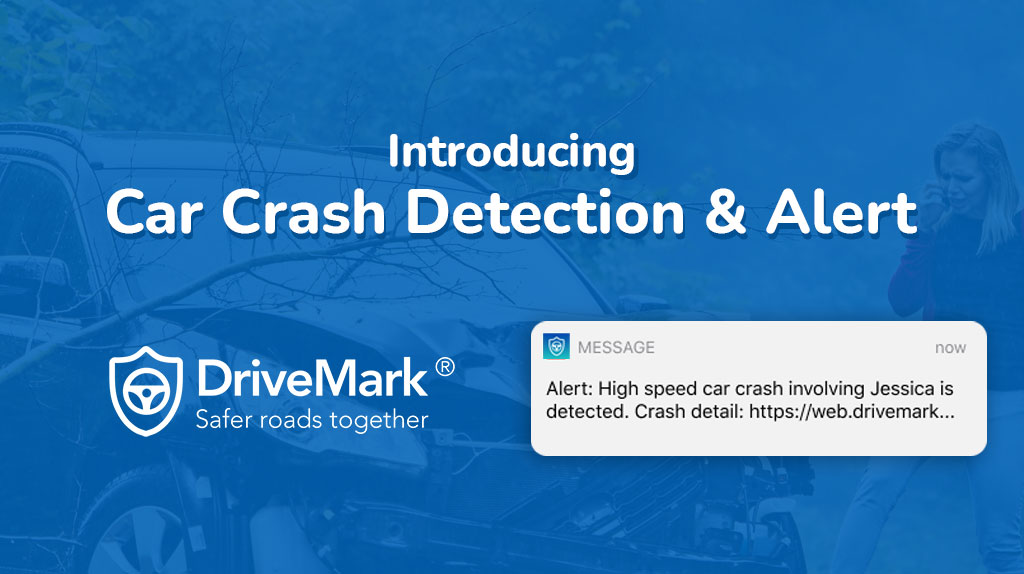
Car Accident Detection and Emergency Alert using DriveMark mobile app
When DriveMark was launched back in 2017, it carried our aspiration to make the roads safer for everyone. From then on, we introduced several features to encourage drivers to be...

Apa yang anda perlu tahu mengenai liberalisasi insurans kenderaan
Tahukah anda, bermula daripada Julai 2017 (bulan ini) kadar premium insurans akan berbeza berbanding sebelum ini? Masih ramai pemilik kenderaan yang masih belum mengambil tahu tentang perkara ini. Bagaimana sistem...

Kuiz ‘Child Seat’ Untuk Parents!
[playbuzz-item wp-pb-id=”144442″ item=”9ec0e640-43c6-4d0c-a685-7b149e440171″ info=”false” shares=”false” comments=”false” recommend=”undefined”] Jangan lupa untuk kongsi dan tag rakan-rakan anda kuiz ini berserta hastag #drivesaferlah. 50 individu bertuah bakal memenangi voucher RM30 petrol. [...]Read More...
Petronas CoffeeBreak Winner Leaderboard!
Hello DriveMark Heroes! Last Raya we had an awesome run at the Petronas Coffee Break Challenge. Together, we’ve collected up to 1.2 Million kilometres on DriveMark for the Challenge! Hooray!...
DriveMark November Hero
Zulqarnain Bin Azahari What does it take to be a super hero? Boleh terbang-terbang? Become invisible and sneak in and out? Being sado? For us, a hero is one who...
Telematics company Katsana paves way to safer driving
PETALING JAYA: Connected cars and insurance-focused data analytics company Pixelated Sdn Bhd (known as Katsana) said it has managed to reduce risky driving behaviour by 62% within 12 months and...